
Visaro User Management: Flexible Access Control for Agency Teams

Visaro User Management helps agencies control who can see, manage, export, publish or review work across the suite.
Access can be shaped around internal teams, clients, suppliers, freelancers, partner agencies or specialist users, giving agencies flexible combinations without exposing more workspace detail than each person needs.
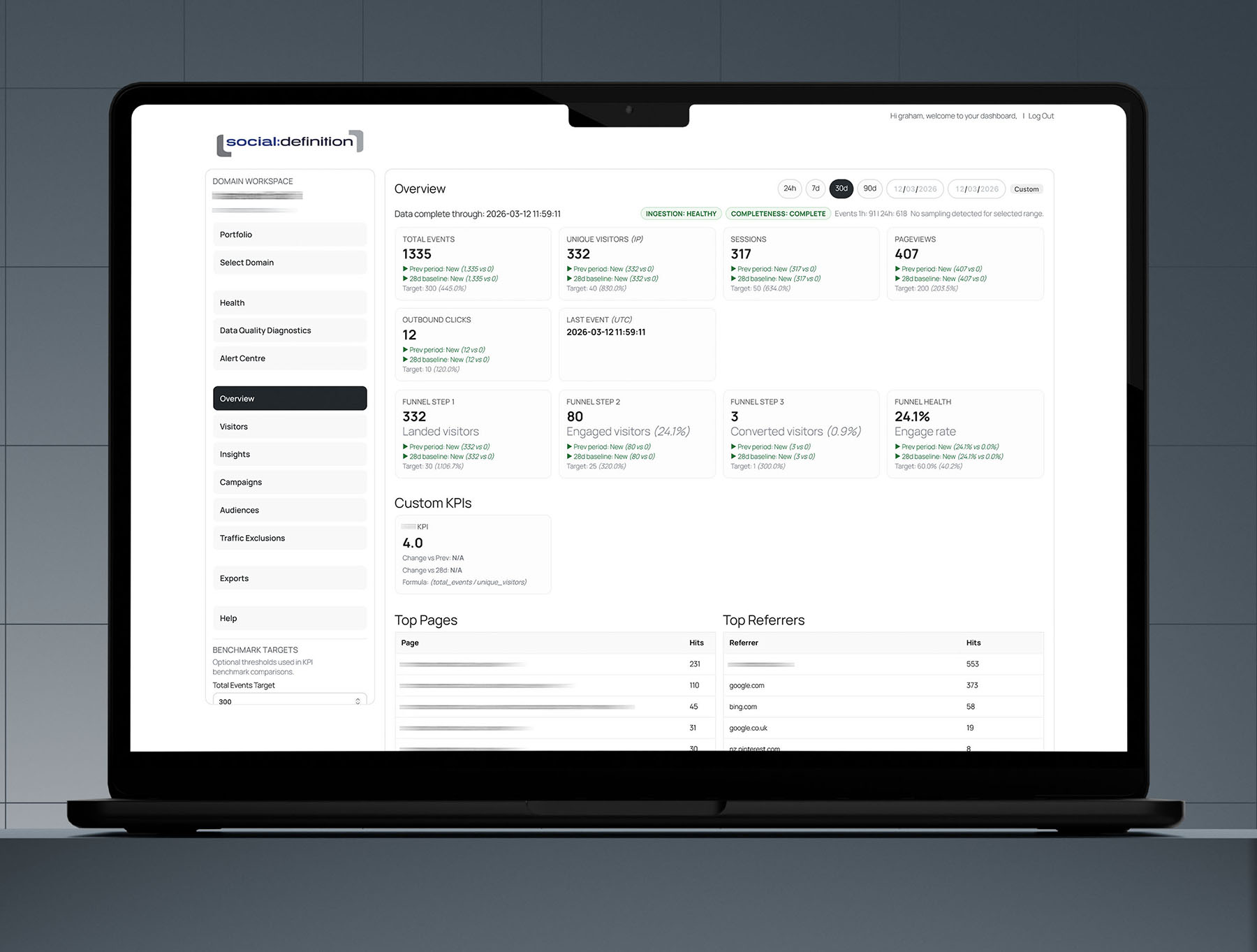
Give Each User the Access They Actually Need
Agency work rarely fits one simple permission model. A strategist may need SEO and reporting access, a developer may need audit and fix evidence, a client may need a read-only portal and a senior manager may need portfolio visibility across several workspaces.
Visaro's access approach supports those combinations, helping agencies create the right view for the right person without giving everyone administrator-level access.
Control Access by Workspace, Site & Feature Area
Visaro workspaces can be limited by domain, product area, visible panes, export access, filters, expiry and role. This makes it easier to invite people into the workflow while keeping operational controls private.
For example, a client can review selected SEO reports without seeing internal notes, while a specialist supplier can access only the fix queue or URL evidence needed for their task.
Manage Agency Teams Within Their Own Boundary
Agency ownership keeps staff within the domains and workspaces held by their agency, while platform administration stays separate. Agency administrators can manage their people and permitted access without receiving general WordPress administration.
New accounts retain the chosen username and receive a password-setup email when membership is saved. The portal login also provides a direct password-reset route if access details are lost.
Separate Publishing Authority from Review Access
Publishing permissions need tighter control than ordinary viewing or editing. Visaro Push can separate preparation, Verify & Push and rollback authority, helping agencies decide who can prepare a change and who can send it live.
That separation is especially useful when SEO work passes through account managers, technical specialists and senior approvers before reaching a client site.
Example Access Setups
A junior SEO analyst could be given access to SEO action plans and URL evidence for assigned workspaces, without client portal controls or Push publishing rights.
A client contact could be given a branded portal with selected reporting panes, locked filters, export restrictions and an expiry date.
A freelance developer could see Website Audit fix queues and assigned due dates for one domain, without seeing lead intelligence or agency-wide portfolio data.
A senior account manager could see client reporting, follow-up queues and workflow calendars across several workspaces, while rollback and publishing authority remains with a technical lead.
Features Included in Visaro User Management & Access Control
Explore the user management and access-control features that help agencies shape Visaro around real working relationships.
Team Roles & Workspace Assignment
Role-Based User Access
Give users appropriate Visaro access based on what they need to view, manage, export, assign, review or publish.
Site and Domain Assignments
Limit users to assigned tracking domains or workspaces so they see only the client sites relevant to their role.
Owner and Due-date Visibility
Connect access with ownership, follow-up and due-date workflows so work stays visible without exposing unrelated areas.
Personal Calendar Feeds
Give named users private read-only calendar subscriptions for their own assignments where supported.
Shared Team Calendar
Publish eligible assignments across Visaro products into a shared calendar view for team planning.
Agency Ownership Boundaries
Keep agency staff within owned and permitted workspaces while platform administration remains separate.
Delegated Agency Administration
Let agency administrators manage their own people and access without receiving general WordPress administration.
Managed Account Onboarding
Create agency users with a chosen username, separate display name, password-setup email and portal password recovery.
Agency Status Controls
Pause agency access across owned workspaces, client links, calendars and scheduled delivery when required.
Client, Supplier & Partner Access
Client Access Profiles
Create controlled client views with selected panes, filters, dates, exports, status and expiry.
Supplier Workspaces
Give external specialists access to the evidence or tasks they need without exposing wider client or commercial information.
Portal Landing Controls
Choose the starting pane or view for a client portal so visitors land in the most useful place.
Export Permission Control
Decide whether a user can view evidence only, export selected outputs or receive scheduled report packs.
Share-link Rotation
Refresh portal access links where a workspace needs updated access control.
Publishing & Sensitive Workflow Permissions
Separate Push Permissions
Separate Prepare, Verify & Push and rollback authority so publishing power is given deliberately.
Long-range Forecast Permissioning
Limit access to sensitive forecast assumptions and commercial planning views where needed.
Access Expiry
Use expiry dates for temporary client, supplier or review access.
Governance Records
Keep access and setting changes easier to diagnose when permissions or reporting behaviour change.
Explore the Visaro Suite
Start with the part of the suite that matches your immediate need, then connect the wider workflow when you are ready.
Visaro Agency Server
For first-party website tracking and visitor insight.
Visaro Agency Intelligence
For company intelligence, enrichment and follow-up workflow.
Visaro Website Audit
For technical SEO audits, crawl evidence and fix queues.
Visaro SEO & Keyword Insights
For keyword planning, URL review and SEO action priorities.
Visaro Push
For controlled SEO publishing, verification and rollback.
Visaro Site Connector
For secure WordPress connection and approved change delivery.
Visaro Site SEO
For WordPress metadata, structured data and site resource management.
Bring Client Website Intelligence into One Place
Visaro helps agencies connect the work that usually sits across separate tools: tracking, audits, SEO planning, publishing, reporting and follow-up.
If your team manages client websites and needs clearer evidence, safer delivery and better client conversations, Visaro gives you a connected suite built around that workflow.