
Visaro Client Portals: Controlled Client Access Across the Suite

Visaro Client Portals help agencies share selected evidence, reports and workspace views with clients in a controlled way.
Instead of sending disconnected screenshots or opening the full internal workspace, agencies can create portal profiles that decide what each client can see, export and review.
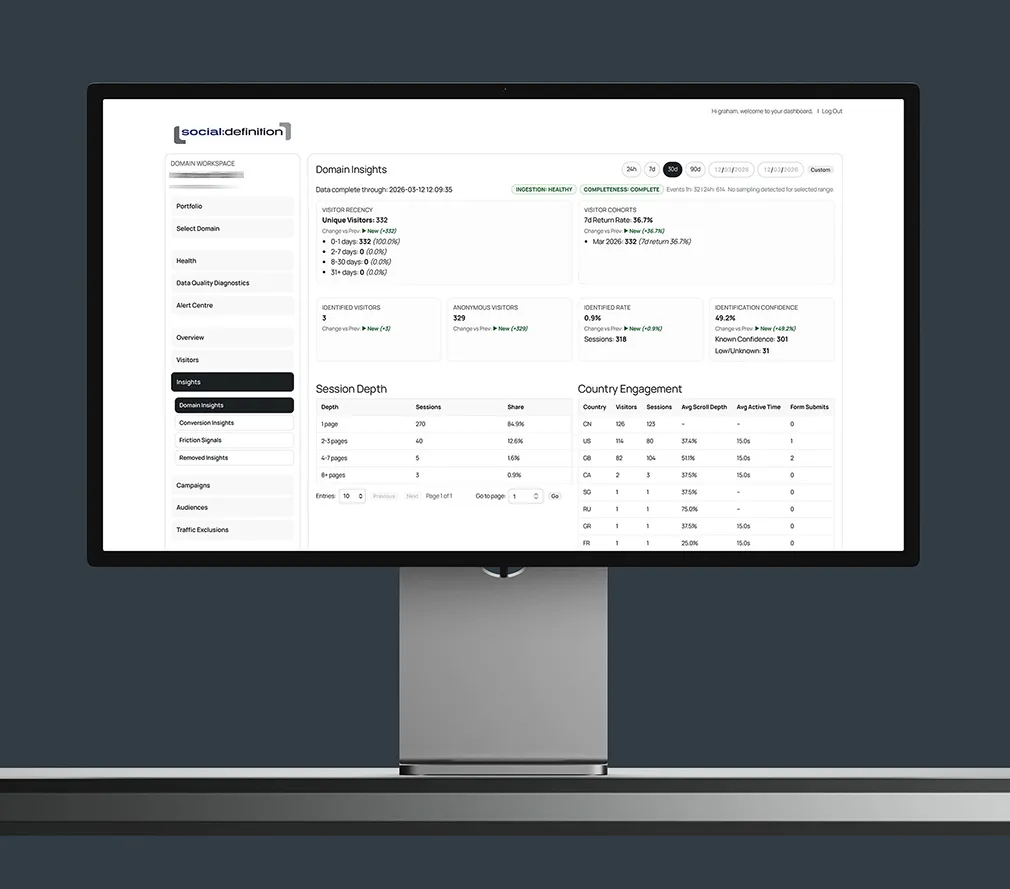
Give Clients Useful Visibility Without Oversharing
Clients often need visibility, but not every operational view belongs in a client-facing workspace. Visaro Client Portals help agencies choose the panes, filters, dates and outputs that are appropriate for a specific client or project.
This gives clients a clearer place to review progress while helping the agency keep internal notes, permissions and sensitive controls private.
Make Portals Match the Client Relationship
A client portal can support a simple reporting relationship, a more collaborative review process or a branded experience that feels closer to the client's own workspace.
When combined with Visaro White Label, portals can carry agency branding, client branding or workspace-specific presentation depending on how the service is delivered.
Client portals can open through an approved agency subdomain, giving clients a familiar address that remains consistent with the agency relationship. Navigation and shared links retain the same agency context while each portal profile continues to control the workspace, views, filters and exports the client can use.
Use Portals Across Suite Workflows
Portal access can support several Visaro areas, including tracking summaries, SEO evidence, technical audit findings, lead intelligence and report packs.
That means a client can review the right evidence for the service they receive without needing every Visaro tool or every internal workflow pane.
Keep Shared Access Accountable
Portal settings such as status, expiry, visible panes, landing views, export permissions and share-link rotation help agencies keep shared access deliberate.
This is useful when a portal is needed for a project, a supplier review, a monthly reporting cycle or a temporary stakeholder update.
Features Included in Visaro Client Portals
Explore the profile, visibility, branding and access-control features included with Visaro Client Portals.
Portal Profiles & Visibility
Workspace Locking
Lock a portal to the correct domain or workspace so clients do not see unrelated accounts.
Visible Pane Controls
Choose which panes or dashboard areas are visible to the client.
Landing Pane Selection
Set the first view a client sees so the portal opens in the most useful context.
Filter and Date Controls
Apply selected filters, attribution settings or date ranges where a client view needs to stay focused.
Help Visibility
Control whether help text or guidance appears inside the client-facing view.
Agency-domain Portal Access
Open client portals through the agency’s approved subdomain while keeping each client tied to the correct workspace and permissions.
Access, Export & Expiry
Export Mode Control
Decide whether portal users can export evidence or simply review selected views.
Portal Status
Enable, pause or close a portal profile depending on the state of the relationship or project.
Access Expiry
Use expiry dates for temporary access, project reviews or stakeholder windows.
Share-link Rotation
Refresh shared links when access needs to be tightened or reissued.
Access Logging
Keep records of portal access where supported so shared visibility remains accountable.
Client-facing Suite Coverage
Tracking Portals
Share selected visitor, campaign, conversion or tracking health evidence from Agency Server.
SEO Portals
Share selected SEO panes, action plans, URL evidence and reports from SEO & Keyword Insights.
Audit Portals
Share technical audit evidence, fix queues and report views from Website Audit.
Intelligence Portals
Share selected lead intelligence views while keeping operational and financial controls restricted.
Explore the Visaro Suite
Start with the part of the suite that matches your immediate need, then connect the wider workflow when you are ready.
Visaro Agency Server
For first-party website tracking and visitor insight.
Visaro Agency Intelligence
For company intelligence, enrichment and follow-up workflow.
Visaro Website Audit
For technical SEO audits, crawl evidence and fix queues.
Visaro SEO & Keyword Insights
For keyword planning, URL review and SEO action priorities.
Visaro Push
For controlled SEO publishing, verification and rollback.
Visaro Site Connector
For secure WordPress connection and approved change delivery.
Visaro Site SEO
For WordPress metadata, structured data and site resource management.
Bring Client Website Intelligence into One Place
Visaro helps agencies connect the work that usually sits across separate tools: tracking, audits, SEO planning, publishing, reporting and follow-up.
If your team manages client websites and needs clearer evidence, safer delivery and better client conversations, Visaro gives you a connected suite built around that workflow.