
QR Codes for Agencies: Connect Print Campaigns with Website Activity

Visaro QR Codes help agencies see how printed campaigns contribute to website visits and enquiries. Whether you’re putting together a brochure, an exhibition stand or a direct mail pack, you can give each placement its own code and see the response in the client’s workspace.
You can design the codes to suit the campaign and change where they lead after the materials are printed. That means a brochure can stay in use even when the offer or enquiry page changes.
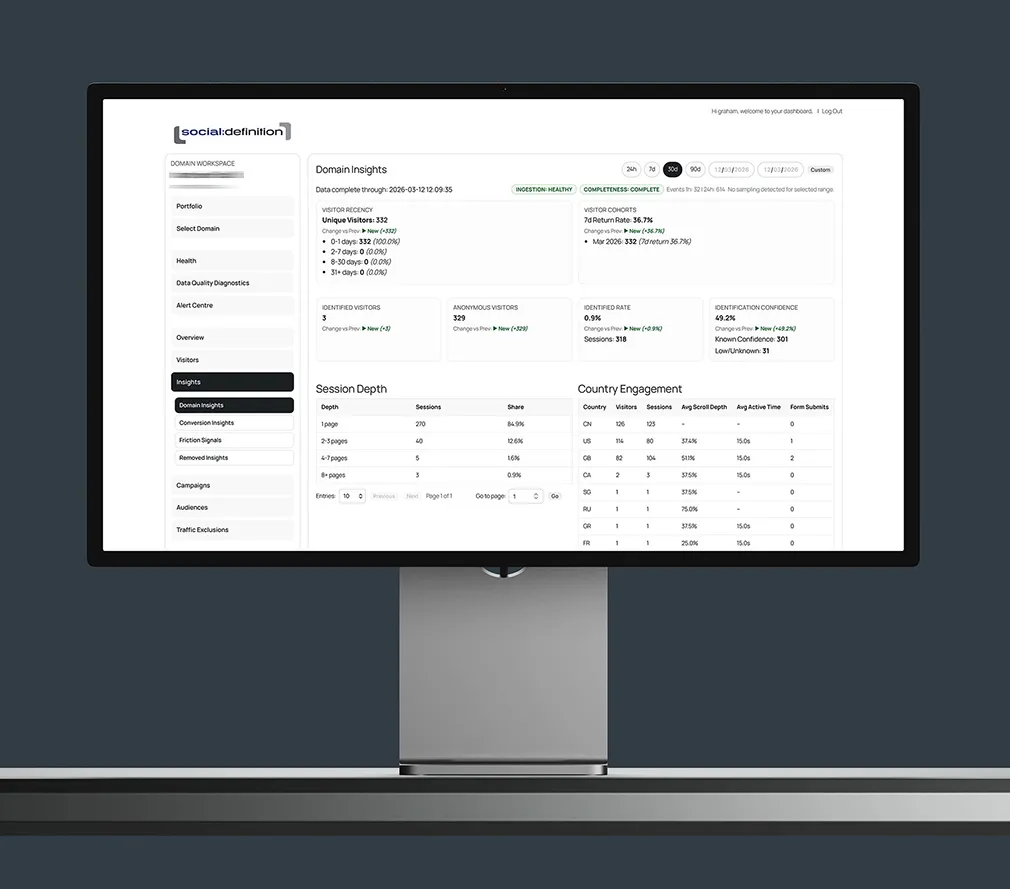
See Which Printed Materials Bring People to the Website
A client might use the same offer in a brochure and on an exhibition stand. Give each placement its own QR code and both can point to the same landing page, without losing sight of where the visits came from.
Create and manage the codes in Visaro Agency Intelligence. When it’s time to review the campaign, you can compare the placements and give the client a clearer reason to repeat one, change another or try something different.
Update the Landing Page Without Reprinting
Printed materials often outlast the campaign they were designed for. When an event ends or a new offer takes over, you can point an active code to another page on the same client website. The code already on the brochure or sign stays the same.
Visaro keeps a record of where the code pointed before the change, so the team can make sense of earlier activity. When the placement has run its course, you can retire the code without losing its history.
Match the Code to the Campaign
Use the client’s logo, suitable brand colours and a short instruction to make the code feel like part of the artwork. Download it as a PNG or SVG for the designer or printer. Visaro checks that the design can be read before download, and you can test a printed sample before committing to the full run.
The address people see when they scan can also match the campaign. Use a suitable page on the client’s website with the Visaro tracking script, or an approved agency address as part of your white-label setup.
Show Clients What Happened After the Scan
A recorded QR open doesn’t necessarily mean someone reached the landing page. The count can include repeat opens and automated previews. With Visaro Agency Server connected, you can review recorded opens, tracked visits and conversions separately for each placement.
That gives you something more useful to bring to a campaign review than an open count alone. You can show which materials led to recorded visits and which visits went on to a form submission or another tracked goal, where tracking and consent settings allow. An open on its own doesn’t confirm who scanned the code, even when it was assigned to a contact.
Features Included in Visaro QR Codes
Explore the features for creating branded QR codes, managing print placements and reviewing the website activity that follows.
Create & Manage QR Codes
Campaign & Placement Codes
Create a separate QR code for each brochure, sign or other placement, even when they share a landing page.
Contact-assigned QR Codes
Assign an expiring code to an existing contact to support individual outreach and follow-up.
Editable Destinations
Change where an active code leads on the client website without replacing the printed artwork.
Destination History & Retirement
Review previous destinations or retire a code while keeping its recorded history.
Brand & Measure QR Codes
Branded PNG & SVG Downloads
Add a logo, colours or a caption and download artwork that Visaro has checked can be read.
Client & Agency Domain Options
Use a suitable client website address or an approved agency address for the link people see when they scan.
QR Placement Evidence
Review opens, flagged automated activity, tracked visits and conversions separately for each placement.
Explore the Visaro Suite
Start with the part of the suite that matches your immediate need, then connect the wider workflow when you are ready.
Visaro Agency Server
For first-party website tracking and visitor insight.
Visaro Agency Intelligence
For company intelligence, enrichment and follow-up workflow.
Visaro Website Audit
For technical SEO audits, crawl evidence and fix queues.
Visaro SEO & Keyword Insights
For keyword planning, URL review and SEO action priorities.
Visaro Push
For controlled SEO publishing, verification and rollback.
Visaro Site Connector
For secure WordPress connection and approved change delivery.
Visaro Site SEO
For WordPress metadata, structured data and site resource management.
Bring Client Website Intelligence into One Place
Visaro helps agencies connect the work that usually sits across separate tools: tracking, audits, SEO planning, publishing, reporting and follow-up.
If your team manages client websites and needs clearer evidence, safer delivery and better client conversations, Visaro gives you a connected suite built around that workflow.