
Visaro Website Audit: Technical SEO Audit Software for Agencies

Visaro Website Audit helps agencies run repeatable technical SEO audits across client websites, from crawl discovery and page-level diagnostics to fix queues, verification recrawls and client-ready reporting.
Instead of leaving audit findings scattered across crawlers, spreadsheets, screenshots and manual notes, Website Audit gives teams a structured workflow for finding issues, prioritising fixes and showing progress clearly to clients.
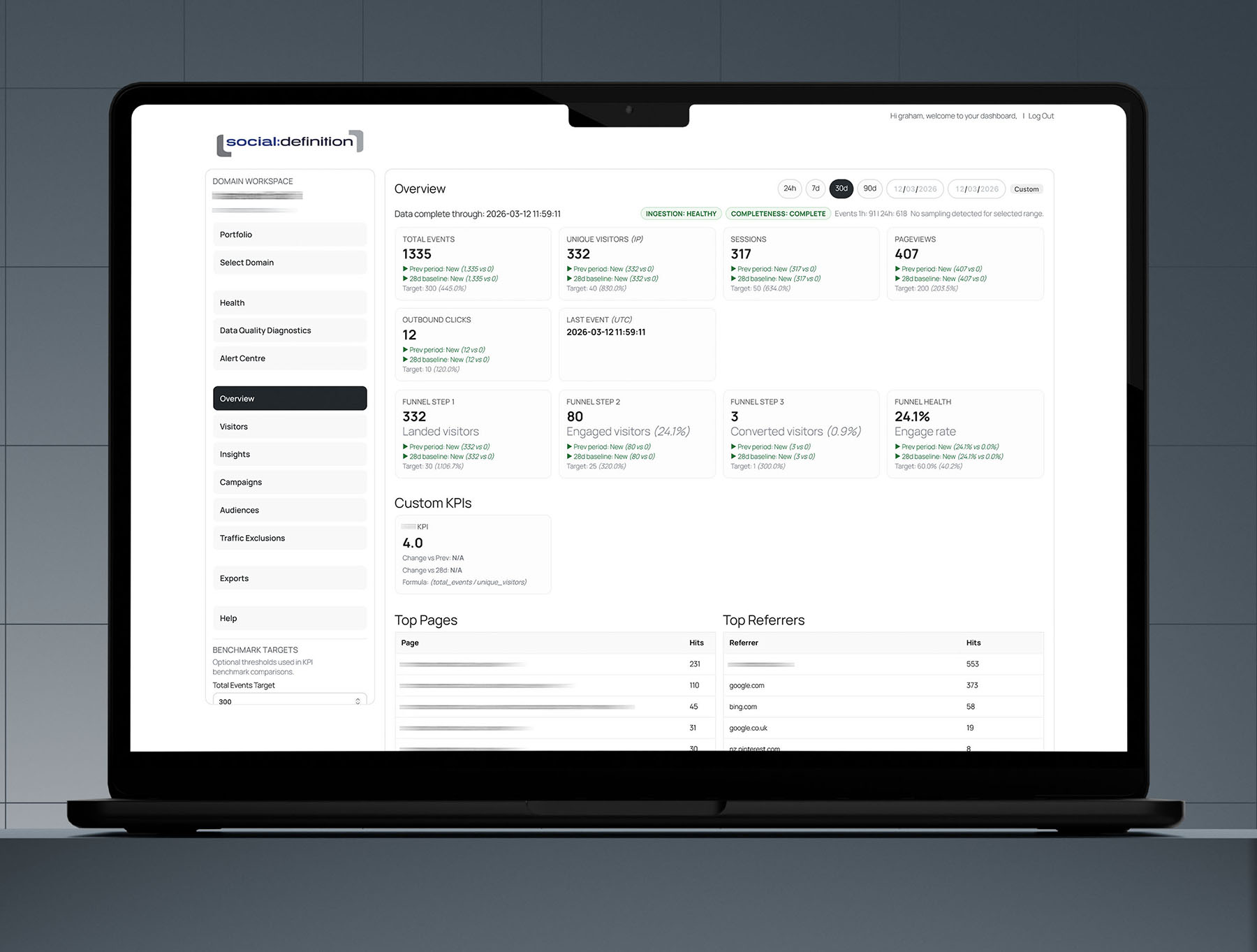
Turn Crawls into Clear Technical SEO Evidence
A technical SEO audit is only useful when the evidence is clear enough to act on. Visaro Website Audit helps agencies inspect client sites across crawl health, indexability, metadata, canonicals, internal links, structured data, security, performance risk and international SEO signals.
Each audit can be reviewed against previous runs, helping teams understand what is new, what has improved and what still needs attention. When technical findings need search-priority context, link the audit workflow with Visaro SEO & Keyword Insights.
Prioritise Fixes Instead of Just Listing Problems
Many audit tools produce long issue lists that still leave teams deciding what to do next. Visaro Website Audit is built around fix queues, root-cause grouping and verification recrawls, so agencies can turn technical findings into a practical remediation workflow.
This helps teams move from “we found a problem” to “this is the fix, this is the evidence, these are the affected URLs, and this is whether the issue has changed.” When fixes move into controlled website updates or publishing activity, Visaro Push can support the wider delivery workflow.
Check Search Readiness, Structured Data & AI Visibility
Website Audit supports the core technical checks agencies expect, while also helping teams review newer search-readiness signals. Structured data, hreflang, crawl access, AI bot access, llms.txt availability and answer-readiness diagnostics can all sit within the wider audit view.
That makes the platform useful for traditional technical SEO, client site maintenance and emerging AI search conversations, without presenting speculative signals as guaranteed outcomes.
Connect Audit Evidence with Visitor Behaviour
Technical issues often make more sense when they are reviewed alongside real visitor activity. When Visaro Agency Server is active, Website Audit can connect selected audit context with visitor and event evidence, helping agencies judge whether technical fixes may affect pages that matter commercially.
That link gives teams a clearer route from crawl diagnostics to client conversations about website quality, conversion journeys and campaign performance.
Built for Client Reporting & Repeatable Delivery
Visaro Website Audit is designed for agencies that need to repeat audit work across multiple client sites, not just run one-off crawls. Workspaces, scheduled reports, exports, client portal controls and delivery history help teams package technical SEO evidence in a way that is easier to review, share and revisit.
For agencies managing ongoing retainers, periodic reviews or technical SEO projects, Website Audit provides a clearer system for audit delivery, remediation tracking and client-ready reporting.
Connect Website Audit with the Wider Visaro Suite
Visaro Website Audit sits naturally alongside the wider Visaro Suite. Use it with Visaro SEO & Keyword Insights when technical findings need keyword and URL priority context. Use it with Visaro Agency Server when audit evidence needs to be reviewed alongside visitor behaviour and conversion data. Use it with Visaro Push when technical recommendations need to become controlled delivery activity.
Together, these tools help agencies move from site diagnosis to SEO planning, visitor intelligence, fix delivery and client reporting without relying on disconnected systems.
Features Included in Visaro Website Audit
Explore the crawl, diagnosis, fix workflow, reporting and client access features included in Visaro Website Audit.
Audit Workspaces & Crawl Foundation
Standalone Audit Workspaces
Create dedicated audit workspaces with their own scans, schedules, access controls and dashboards, so each client site can be managed independently while still fitting into Visaro Suite.
Frontend Audit Dashboard
Give teams a practical working dashboard for portfolio views, domain selection, overview data, URL analysis, fix queues, review panes, exports, integrations, utilities and help. This keeps audit delivery in one clear interface rather than splitting work across separate notes and exports.
Audit Run Lifecycle
Queue, run, rerun, compare and delete audit runs while retaining key status, score, finding count and payload history.
Technical Baseline Engine
Check reachability, HTTPS, robots.txt, sitemap, security headers, titles, meta descriptions, canonicals, H1s and noindex signals to create a fast technical health baseline.
URL Inventory Crawl
Discover URLs from sitemaps and homepage links across the approved domain scope, including subdomains, so audits can assess more than a single page.
Crawl-to-crawl Comparison
Compare a current audit with a baseline run to see which URLs and issues are new, fixed, persisting, regressed, improved or unchanged.
Lifecycle Badges
Use per-URL and per-check status badges to understand movement quickly and focus effort on what has changed since the last crawl.
Run Reliability Guardrails
Review coverage, remaining URLs, exclusions, runtime pressure and reliability states before using a crawl in client reporting.
User-agent Controls
Crawl as Visaro default, Googlebot desktop, Googlebot smartphone or a custom user agent to test how different visitors may see a site.
JavaScript Rendering Option
Use an external rendering endpoint, where available, to inspect pages whose important content depends on rendered HTML.
Restricted-page Auth Profiles
Audit protected areas using intentionally supplied basic auth, bearer token or cookie-header profiles where authorised access is required.
Crawl Limit Controls
Set maximum pages, crawl depth, rate, redirect handling and HTML body-size limits to balance audit coverage with server friendliness.
Custom Extraction
Apply reusable extraction rules to find selected content patterns across audited URLs, helping teams check client-specific page elements at scale.
Crawl Diff
Compare original HTML, rendered HTML and text snapshots across runs to understand what changed and whether the change supports technical health.
Technical SEO Diagnostics & Page Evidence
Per-URL Diagnostics
Review each URL for reachability, redirects, robots access, indexability, metadata, canonicals, H1s, content depth, internal links, image alt coverage and other technical SEO signals.
Duplicate Metadata Detection
Find repeated page titles and meta descriptions across multiple URLs, making template-level and content duplication issues easier to resolve.
Internal Link Validation
Identify broken, redirecting, unverified, underlinked and orphaned destinations, along with internal-link opportunities that can strengthen crawl paths.
Review URLs Table
Work from a page-level list that helps analysts filter, open and compare exact URL evidence without losing fix context.
URL Review Pane
Bring score, lifecycle state, category impact, check results, structured data, hreflang, resources, links and notes into a single page review.
Security and HTTPS Checks
Spot protocol, mixed content, insecure form and response-header issues, with affected URLs available for follow-up.
Resource Performance Diagnostics
Highlight asset weight, render-blocking resources, image dimension issues, large images, oversized CSS or JavaScript and repeated assets that may create performance risk.
Image Dimension Checks
Flag image tags missing width or height values, helping teams spot layout-shift risk alongside wider resource performance evidence.
Dual-profile & Speed Signals
Compare desktop and mobile profile gaps and use Core Web Vitals proxy signals to prioritise pages with likely performance or mobile experience concerns.
Structured Data Analysis
Check schema presence, missing coverage, invalid markup and type summaries so structured data issues can be reviewed alongside wider audit evidence.
Hreflang and International Targeting
Assess hreflang, language, locale, self-reference, return-tag and x-default signals for international SEO quality control.
Fix Queues, Verification & Search Readiness
Root-cause Fix Queue
Group recurring technical issues into practical actions with affected URLs, priority, evidence, effort and quick-win context. This helps agencies move from audit findings to a manageable SEO fix workflow.
Verify Fix Recrawls
Run targeted recrawls to confirm whether a remediation changed the affected pages, giving teams evidence before they close off a fix.
AI Search Readiness
Review AI bot access, llms.txt presence, low-readiness URLs and answer-readiness reasons to support emerging search visibility discussions.
GEO & LLM-oriented Checks
Check AI and generative search signals such as bot access, LLMs.txt availability and answer-readiness diagnostics as part of a broader technical SEO audit.
Sitemap Utility
Generate a sitemap XML from the selected run’s audited URL rows, aligning handoff files with the crawl evidence used in the audit.
LLMs.txt Utility
Create a suggested llms.txt file from preferred public, indexable and canonical URLs, giving teams a starting point for an AI-readable site guide.
Suite Integrations, Reporting & Audit Delivery
Optional Agency Server Bridge
When Visaro Agency Server is active, connect audit workspaces with 30-day visitor and event context, unique visitors and last-event signals so technical findings can be viewed alongside behaviour evidence.
Integration Contracts
Use versioned hooks and bridge payloads to extend Website Audit while keeping ownership of Agency Server data clear.
Website Audit Exports
Create manual CSV, pane PDF, URL Review PDF, Technical and Executive exports so crawl evidence can move into client-ready reporting.
Scheduled Audit Reports
Save recurring report packs that deliver selected CSVs, pane PDFs and priority URL Review pages on a set cadence.
Export Delivery History
Track schedule name, status, output count, recipients, notes and timing so recurring audit reporting remains auditable.
Website Audit Client Portal
Control visible panes, help visibility, manual exports, filters, status, expiry and share-link rotation for client-facing audit access.
Website Audit Assignment Calendar Source
Send assigned Fix Queue actions with due dates into the shared Visaro assignment calendar, helping teams keep remediation work visible.
Agency-domain Audit Access
Open permitted audit workspaces, client portals and scheduled report links through the agency’s approved domain.
Explore the Visaro Suite
Start with the part of the suite that matches your immediate need, then connect the wider workflow when you are ready.
Visaro Agency Server
For first-party website tracking and visitor insight.
Visaro Agency Intelligence
For company intelligence, enrichment and follow-up workflow.
Visaro Website Audit
For technical SEO audits, crawl evidence and fix queues.
Visaro SEO & Keyword Insights
For keyword planning, URL review and SEO action priorities.
Visaro Push
For controlled SEO publishing, verification and rollback.
Visaro Site Connector
For secure WordPress connection and approved change delivery.
Visaro Site SEO
For WordPress metadata, structured data and site resource management.
Bring Client Website Intelligence into One Place
Visaro helps agencies connect the work that usually sits across separate tools: tracking, audits, SEO planning, publishing, reporting and follow-up.
If your team manages client websites and needs clearer evidence, safer delivery and better client conversations, Visaro gives you a connected suite built around that workflow.